
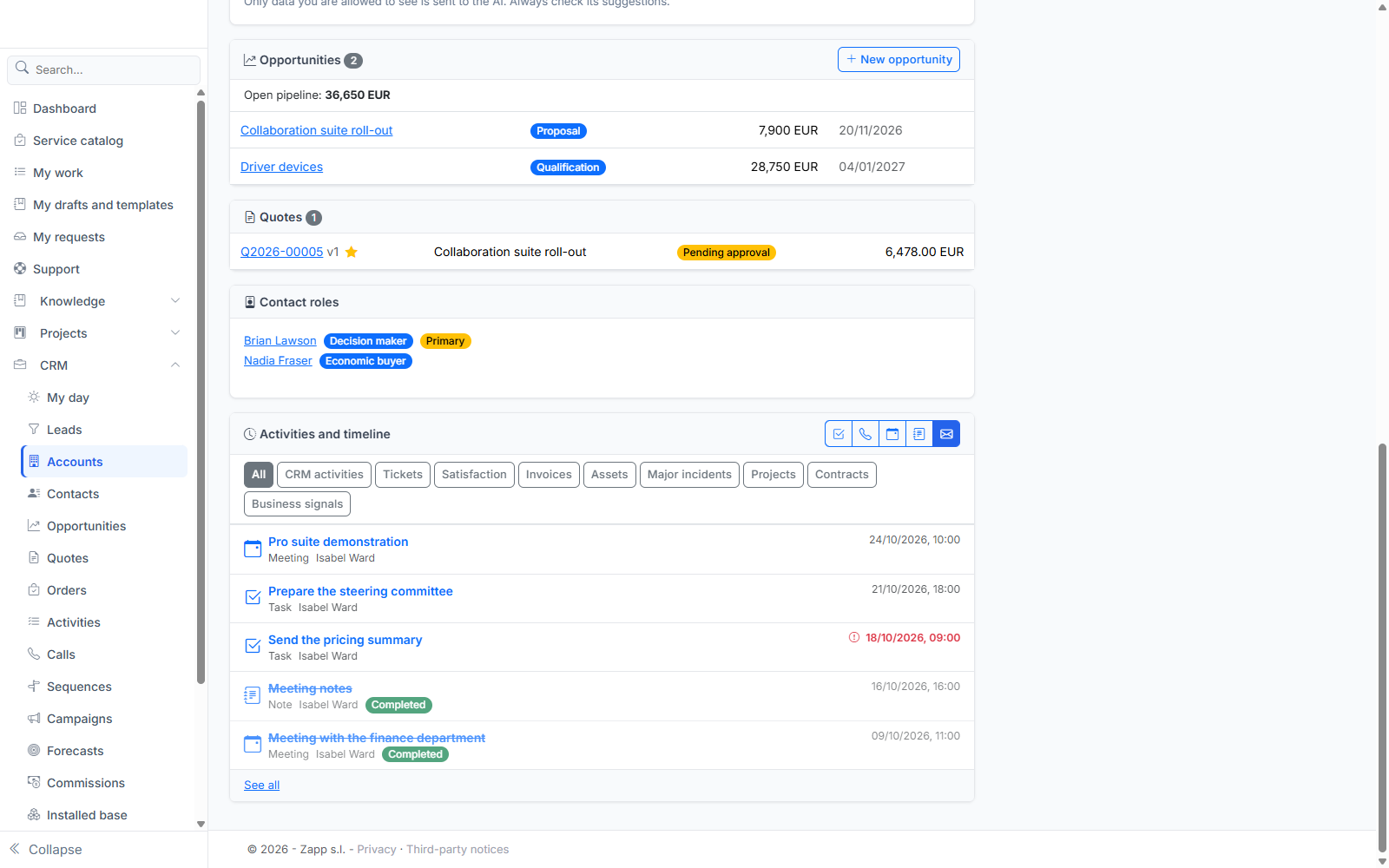
On an account and a contact page, the Activities and timeline panel brings together in a single feed, newest first, everything about that customer: your CRM activities, and items from the application's other modules.
What the timeline shows
Depending on the modules in your instance:
| Family | Content | On the account page | On the contact page |
|---|---|---|---|
| CRM activities | Tasks, calls, meetings, notes, emails | Yes | Yes |
| Tickets | The organization's tickets, with their status and a badge when the resolution time (SLA) is breached or due soon | Yes | Tickets requested by or concerning the person |
| Satisfaction | Scores and comments from satisfaction surveys; a low score is flagged | Members of the organization | The person |
| Major incidents | Crises declared from one of the customer's tickets | Yes | Yes |
| Invoices | Estimates and invoices addressed to the organization, with their amount | Yes | — |
| Contracts | The customer's support contracts | Yes | — |
| Projects | Projects linked to the organization ("Organization" link added from the project's Links tab) | Yes | — |
| Assets | Asset bookings and loans | Members of the organization | The person |
An account page also includes the items of its subsidiaries that you can see. The filter buttons show a single family.
Who sees what
Each module applies its own access rights: in the timeline you only see what you would see in the module itself. For example, invoices only appear to people with access to billing, and tickets follow the support rules. A module missing from the instance simply makes its family disappear.
If a source is temporarily unavailable, the timeline says so and shows the rest.
Each item leads to its page in the original module.